Is It Safe to Connect AI to Your Cloud Storage?
Connecting AI to your Drive often grants access to ALL your storage. The real risk is the permission. Here's how to limit the damage.
The short answer: it's risky, and the risk is the permission, not the AI. When you connect an AI assistant to your cloud storage, it asks for access. Often that access covers the whole drive, not the one file you meant. You want a summary of one document. The connector can read everything in scope. Old contracts, ID scans, other people's data. And to answer, it sends the content to the model. There is a clean method: grant the narrowest scope, keep sensitive folders out of any connected space, and anonymise before you send.
What "connect to my Drive" really means
The mechanism is simple. You click "Connect Google Drive" inside an AI tool. A permission window opens. You approve. From then on, the tool can "read your files" to answer your questions.
Google Account Help explains these access levels well. A third-party app can request several things. Your basic profile info. Permission to view and copy data, such as your contacts, photos and files. Or permission to edit, create and delete data. Handing over your password would give an app full account access. The linking-by-permission model exists to avoid that: you grant scoped access instead, called an OAuth scope.
The key word is "scoped." In theory, a connector asks only for what it needs. In practice, the scope is often broad.
The permission is the real risk
Here is the key point. Many OAuth scopes are all-or-nothing. "Read your files" can mean every file. Not just the one you had in mind. Including ones you forgot were there.
Security bodies make the same case. A broad scope lets an app reach far more than it needs. For example, "read and write all data" when it only needs to read a profile. If that over-permissioned app is compromised, the attacker inherits the excess access. This is why least privilege is the recommended default. You grant only the minimum required for the task, not a broad standing grant.
Scope creep is the real trap. You meant to share one document. You opened the whole drive. And the data still travels. To answer, the connector sends file contents to the model. Depending on the provider and settings, that content can be retained, reviewed by a human, or — unless disabled — used for training. Broad access therefore multiplies exposure.
Third-party connectors: one more key to watch
Many "connect your Drive to AI" tools do not come from your storage vendor. They are small third parties. So you hand a key to your files to one more company.
The NCSC (National Cyber Security Centre, the UK cyber authority) treats these integrations as supply-chain risk. As environments grow more connected through API integrations, attackers find it easier to reach a target's systems and data through third parties. The NCSC advises identifying these dependencies, managing them by contract, and monitoring and re-reviewing them regularly. The NCSC does not name AI connectors by name; the advice applies by analogy.
One last point, often forgotten. The access you grant persists until you remove it. Google says so clearly: you can review or remove linked apps that have access to your account at any time. Once you revoke an app's access, it can no longer reach your data. The corollary is sharp. A forgotten connector keeps its access indefinitely. Revoking is on you, not automatic.
| You assume | The reality |
|---|---|
| "It only reads one file" | An OAuth scope of "read your files" can cover the whole drive |
| "It's my storage vendor" | Often a third-party connector, one more company holding a key |
| "Nothing leaves my cloud" | Content is sent to the model: retention, review, training all possible |
| "Access stops on its own" | It persists until you revoke the app yourself |
The fix: minimal access and anonymisation
The ICO (Information Commissioner's Office, the UK data regulator) carries a principle that fits here: data minimisation. Under Article 5(1)(c) of the GDPR, personal data must be adequate, relevant and limited to what is necessary. In plain terms: do not hold more data than you need, and do not collect it just in case. The same logic applies in the EU, under the same Article 5(1)(c) of the GDPR.
Applied to AI plus cloud storage, the principle is clear. Exposing a whole drive to answer one question is the opposite of minimisation. Limit what the AI can see to what the task actually needs.
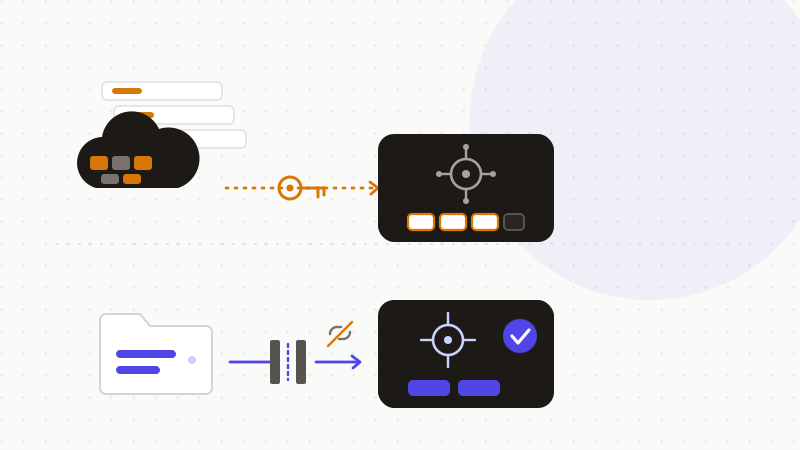
Here is the playbook, from simplest to safest.
- 1Connect the narrowest scope you can, never the whole drive by default.
- 2Prefer per-file or per-folder sharing over global access.
- 3Keep truly sensitive folders out of any connected space.
- 4Review and revoke connected apps on a regular schedule.
- 5Anonymise identifiers in documents before running them through AI.
Keep these common-sense habits too.
- For the most sensitive data, don't connect at all. Paste an anonymised extract instead.
- Check who builds the connector: your storage vendor, or a third party?
- Read the permission screen. Refuse a scope that is too broad.
That's what ONYRI Sanitize is for. Instead of connecting a whole drive, you paste the extract that matters. The engine detects sensitive data — names, addresses, numbers, keys — and replaces it with reversible tokens before sending. Detection and the mapping stay in your browser. Only anonymized text reaches the model. You get the AI's help, without handing over a standing key to all your storage.
Frequently asked questions
- Is it safe to connect AI to your cloud storage?
- It's risky, and the risk is the permission. A connector often asks for access to the whole drive, not the one file you meant. It can then read far more than intended, and send that content to the model. To limit the damage: grant the narrowest scope, keep sensitive folders out of connected spaces, revoke unused connectors, and anonymise before you send.
- Does an AI connector really get access to my whole Drive?
- Often, yes. Many OAuth scopes are all-or-nothing. "Read your files" can mean every file in scope, including ones you forgot were there. This is why least privilege matters: grant only the minimum needed. Prefer per-file or per-folder sharing over global access.
- How do I remove an AI's access to my files?
- Access persists until you remove it yourself. Google notes you can review or remove linked apps that have access to your account at any time; once you revoke an app's access, it can no longer reach your data. Do this review regularly. A forgotten connector keeps its access indefinitely.
Sources & references
- Share some access to your Google Account data with apps from other developers (third-party app access levels, revocation) — Google Account Help
- Supply chain security guidance (third-party and integration risk, identify and re-review dependencies) — UK National Cyber Security Centre (NCSC)
- Principle (c): Data minimisation (GDPR Art. 5(1)(c), do not collect beyond what is necessary) — Information Commissioner's Office (ICO)
Keep your sensitive data in your browser
ONYRI Sanitize detects and masks your sensitive data before it reaches the AI, then restores the answer — from names to API keys.