What Does ChatGPT Remember About You? (And How to Erase It)
ChatGPT's memory keeps your name, job and preferences — sometimes details you never meant to share. How to see, turn off and erase it, and the one rule.
ChatGPT has a “memory” feature that keeps information about you from one conversation to the next: your name, your job, your preferences, your goals — and sometimes details you dropped without thinking, like where you live, a health concern or an opinion. It's convenient, but it builds a persistent profile. You can view it, turn it off and erase it in a few clicks. And above all, you can avoid putting sensitive things in it: what you don't tell it can't be memorized.
What memory keeps (often without you asking)
Memory isn't limited to what you explicitly ask it to keep. According to the official documentation (OpenAI's “Memory FAQ”) and specialized guides, the assistant can save details it deems useful on its own: something mentioned in passing can become a lasting “memory,” reused in your future answers. Over time, this sketches a portrait of you — all the more sensitive because it accumulates quietly.
View, turn off and erase memory
Four actions put you back in control:
- 1View: Settings → Personalization → “Manage memories” to see what's saved.
- 2Erase case by case: delete a memory from that list, or ask ChatGPT to “forget” a specific item.
- 3Turn it all off: disable “Saved memory” and “Reference chat history” so it stops recording.
- 4Chat without a trace: use temporary chat, which neither reads nor creates memory.
Why it's a privacy issue
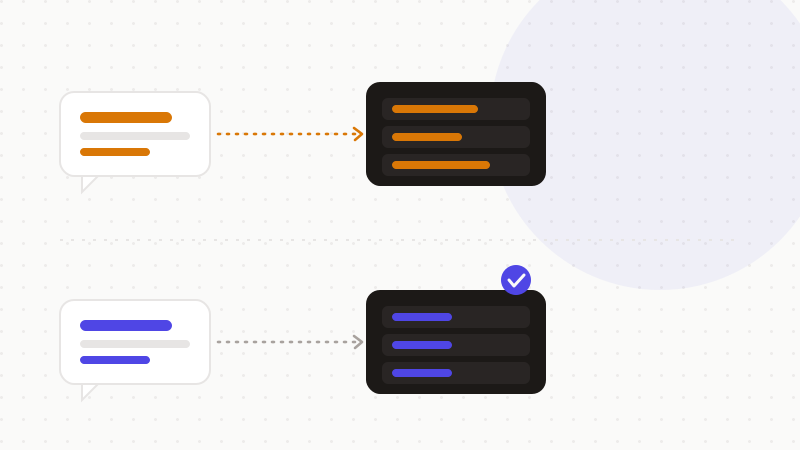
A persistent memory is a profile that follows you. It can shape answers, reflect sensitive information you mentioned only once, and outlive the deletion of the conversations that fed it. As long as a memory exists, it's taken into account — including things you'd have preferred to leave in a single discussion.
| Common belief | Reality |
|---|---|
| “I delete the conversation, the memory goes with it” | Memories created persist after the chat is deleted |
| “Turning memory off erases everything” | Disabling doesn't erase what's already saved |
| “It only keeps what I ask it to” | It can save useful details on its own |
The rule that comes first: don't deposit sensitive data
Managing memory is good practice, but it's cleanup after the fact. The rule that comes first acts upstream: if sensitive information never enters the conversation, it can't become a memory — nor a profile, nor a risk.
- Review and clean your memories regularly.
- Turn memory off for sensitive topics, or switch to temporary chat.
- Above all: remove identities, health, identifiers and secrets before sending.
That's what ONYRI Sanitize does: the engine detects sensitive data and replaces it with reversible tokens before sending; detection and the mapping stay in your browser, and only anonymized text reaches the AI. Even with memory on, it only has tokens to remember — not your life.
Frequently asked questions
- What does ChatGPT's memory keep about me?
- Your name, job, preferences and goals, and sometimes details mentioned in passing — where you live, health, opinions. The assistant can save what it deems useful on its own, building a persistent profile reused in your future answers.
- How do I erase what ChatGPT has memorized?
- Go to Settings → Personalization → “Manage memories” to delete items one by one, or ask ChatGPT to forget a detail. Disabling memory doesn't erase what's already saved: you have to delete the memories themselves.
- Does deleting a conversation erase its memory?
- No. Deleting a chat doesn't remove the memories it created. They're two distinct actions. To avoid the risk at the source, it's best not to put sensitive information in the conversation.
Sources & references
Keep your sensitive data in your browser
ONYRI Sanitize detects and masks your sensitive data before it reaches the AI, then restores the answer — from names to API keys.