Does a fake name protect your data in AI?
Swapping the name for a pseudonym before ChatGPT seems clever, but it rarely protects. Why the manual fake name fails, and what actually works.
Swapping a name for a pseudonym before pasting text into ChatGPT, Claude or Gemini rarely protects, for two reasons: you end up dropping the habit to save time, and the rest of the text (date of birth, address, amount, rare condition) is often enough to re-identify the person. Reliable protection means automatically replacing every identifier with reversible tokens in your browser — not changing a name by hand.
Why the fake name feels like enough
The intuition is logical: if the name is gone, the data no longer points to anyone. On a thread where a professional worried about colleagues pasting patient data into an AI, one comment summed it up: “as long as they put a fictive name, nothing ties it to the real patient, it should be fine.” The mistake is believing identity lives in the name alone.
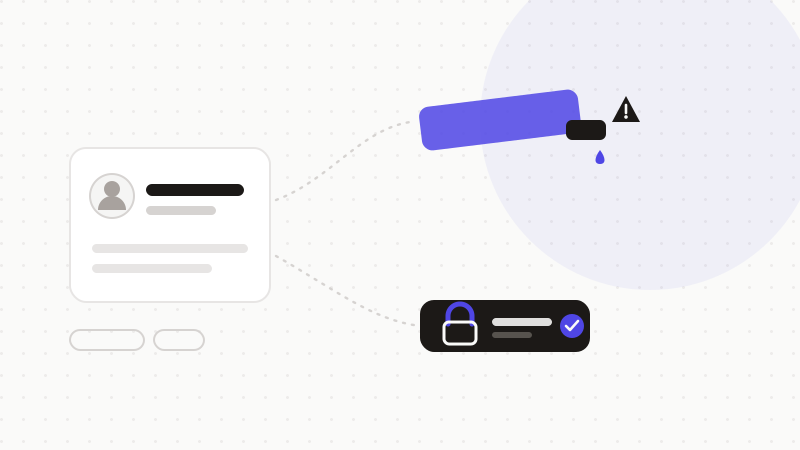
Re-identification doesn't stop at the name
A person is re-identified by cross-referencing. Removing the name but leaving the rest leaves a fingerprint: a handful of attributes is often enough to land on a single individual.
- Date of birth + postal code + sex: that trio identifies a large share of a population.
- A rare condition, an admission date, a specific employer: each is a unique pointer.
- Numbers that “aren't a name” but identify: social-security, file, IBAN, plate.
- The context itself: a case described in detail may match only one person.
The real problem: it's manual, so people stop
Even if you stick with it, manual masking has a human flaw. The same thread points it out bluntly: “some do it at first, then to save time, they stop.” A reflex that depends on each person's discipline, on every message, isn't protection — it's an intention. The most sensitive data leaks the day someone is in a hurry.
What works: tokenize every identifier, automatically
- 1Detection: an engine spots every identifier — the name, but also dates, addresses, numbers, amounts.
- 2Tokenization: each is replaced with a neutral, consistent token, kept in local memory.
- 3Sending: only the tokenized text goes to the AI — nothing points to a real person anymore.
- 4Restoration: the answer is de-tokenized in your browser, tied back to the right values.
ONYRI Sanitize does exactly this: it detects all identifiers (not just the name), replaces them with reversible tokens and keeps the mapping in your browser. The hand-placed fake name becomes unnecessary — protection no longer depends on your vigilance at every prompt.
Frequently asked questions
- Does a fake name make my data anonymous under the GDPR?
- No. Changing the name produces “pseudonymized” data: as long as the person stays re-identifiable (by cross-referencing or via a lookup table), it's personal data protected by the GDPR. Anonymization in the legal sense requires re-identification to have become unreasonably difficult.
- Surely changing the name AND date of birth is enough?
- Still not reliably. Re-identification comes from cross-references: address, postal code, rare condition, numbers, context. Removing two fields often leaves enough clues. Better to use an engine that detects and masks all identifiers.
- With tokens, can AI still help me?
- Yes. Tokens are consistent: the same value always gets the same token, so the model follows the reasoning and structure. After restoration in your browser, you get a complete answer, tied back to the real values.
Sources & references
Keep your sensitive data in your browser
ONYRI Sanitize detects and masks your sensitive data before it reaches the AI, then restores the answer — from names to API keys.