Can You Paste a Work Email into ChatGPT?
Yes, technically. But a work email carries third parties' data: the sender, people mentioned. Anonymize names and addresses before ChatGPT.
Technically, yes: nothing stops you from pasting a work email into ChatGPT. But it's almost never neutral. A work email holds third parties' personal data. The sender's name, their email address, the people mentioned. Sometimes a sensitive attachment. Pasting it as-is exposes all of that. You then process other people's data, not only your own. The simple reflex: anonymize before the prompt. Then you reinsert the real details on your side.
A work email in ChatGPT: the honest answer
Yes, AI can summarize, reply to or translate an email. It's even a very common use at work. The problem isn't the task. It's the data you transmit to do it. A work email carries several people's identities. The CNIL treats work emails as containing personal data. An employee can even request access to them under the GDPR. Yet summarizing a text doesn't require knowing those identities.
The problem: an email is full of third-party data
Open any work email. You'll find far more than a message. Each element identifies a real person:
- The sender: full name and professional email address.
- The people mentioned or copied, with their contact details.
- The signature: phone, job title, sometimes a postal address.
- The attachments, which can carry sensitive data.
The stakes: you're processing other people's data
By pasting this email, you hand that data to the AI provider. The content enters its processing, beyond your control. It can be stored, or even help improve the model. Depending on your context, other rules apply. A confidentiality clause with a client. Professional secrecy. Or simply the GDPR. The GDPR sets the minimization principle, in Article 5. You transmit only the data needed for the task. Summarizing or translating doesn't need the real identities.
| Email element | Useful to summarize or translate? | Anonymize before the prompt |
|---|---|---|
| Sender's name and email | No | Yes, replace with a token |
| People mentioned or copied | No | Yes |
| Body of the message | Yes | Keep, without the identities |
| Signature (phone, job title) | No | Yes |
« I just want a polite reply »
Fair objection: you only want a draft reply. Good news, anonymization doesn't stop that. The AI writes its reply on an anonymized email. It produces polite, structured text. Then you reinsert the real names in your browser. The recipient gets a natural, named message. The AI, for its part, never saw the real identity.
The fix: anonymize before the prompt
The steps are simple and quick. You keep control of the real details, locally:
- 1Paste your email into ONYRI, in the browser.
- 2The engine detects names, emails and identifying elements.
- 3It replaces them with reversible tokens.
- 4You copy the anonymized text into ChatGPT.
- 5You reinsert the real details into the reply, locally.
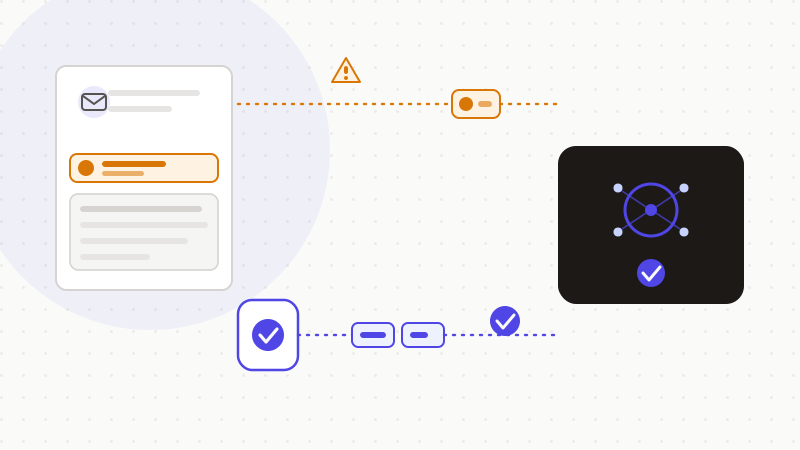
That's what ONYRI Sanitize does. The engine detects the identities and replaces them with reversible tokens before sending. Detection and the token↔value mapping stay in your browser. Only anonymized text reaches the AI. This pseudonymization reduces exposure. It doesn't by itself make a use « 100% compliant » or « without any risk ». But it keeps you in control of what matters most — the real identity of the people involved.
Frequently asked questions
- Can you paste a work email into ChatGPT?
- Technically yes, but rarely without risk. A work email holds third parties' personal data: sender, people mentioned, signature. Transmitting them to an AI hands them to a processing operation you don't control. The safe reflex: anonymize names and addresses before the prompt, then reinsert the real details.
- Does a work email contain personal data?
- Yes. The CNIL treats work emails as containing personal data. An employee can even request access to them under the GDPR. Name, email address, signature, people mentioned: all elements that identify real people.
- How do I get a polite reply without exposing the names?
- Let the AI write on an anonymized email. It produces structured, polite text. You then reinsert the real names in your browser. The recipient gets a named message; the AI, for its part, never saw the real identity.
Sources & references
Keep your sensitive data in your browser
ONYRI Sanitize detects and masks your sensitive data before it reaches the AI, then restores the answer — from names to API keys.