How to anonymize a document before using AI
A contract, report or PDF handed to AI holds names, addresses and amounts. The method to anonymize it before ChatGPT, Claude or Gemini.
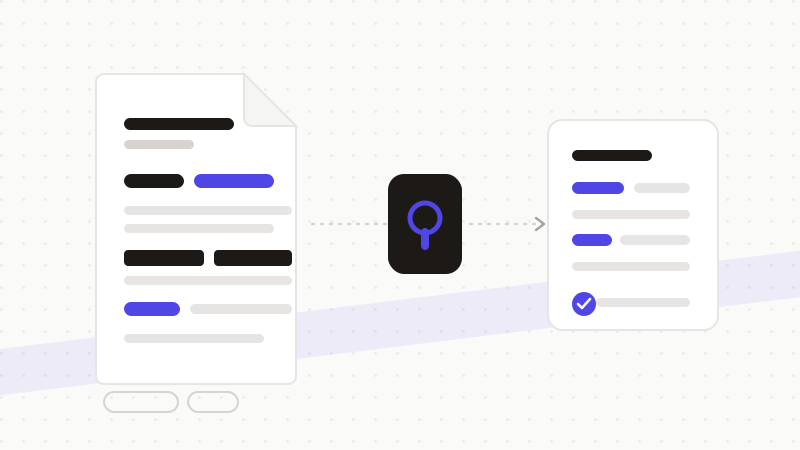
To have AI summarize, translate or analyze a document without exposing its content, anonymize it first: an engine detects names, addresses, amounts and identifiers, replaces them with tokens, sends only the neutralized text, then restores the answer in your browser. ChatGPT, Claude or Gemini work on a structurally identical document, stripped of any identifying data.
Why a document is riskier than a simple prompt
When you type a prompt, you choose your words. When you paste a whole document — contract, report, letter — you also send everything you no longer re-read: signatories, addresses, references, amounts. A document is a stack of identifiers; that's exactly what gets forgotten when you copy it in one block.
- Identities and contact details: signatories, recipients, third parties cited.
- References: contract, file and internal identifiers.
- Amounts and quantified clauses that reveal a relationship or situation.
- A file's technical data: headers, internal links, metadata.
Copy-pasting the text isn't enough
Two classic traps. First, manual redaction is partial: you strike one name, miss three, and re-identification returns through cross-referencing. Second, visually masking in a PDF isn't enough — a black rectangle placed on top often leaves the text selectable underneath. Automatic detection removes the information itself, not just its appearance.
The method: detect, tokenize, restore
- 1Detection: the engine spots every identifier in the document, including those without an obvious keyword.
- 2Tokenization: each becomes a neutral, consistent token, kept in local memory.
- 3Sending: only the anonymized text goes to the AI — the identifying document doesn't transit.
- 4Restoration: the answer (summary, translation, analysis) is de-tokenized in your browser.
ONYRI Sanitize detects a document's identifiers — identities, contact details, references, amounts, technical secrets — and restores the answer in your browser. You have AI summarize, translate or analyze your documents without ever exposing their sensitive content.
Frequently asked questions
- How do I anonymize a document before giving it to ChatGPT?
- Have its identifiers (names, addresses, references, amounts) detected and replaced with tokens before sending, then restore the answer in your browser. AI works on a neutralized but structurally identical document: the summary or analysis stays relevant.
- Isn't blacking out the sensitive parts in the PDF enough?
- No. A black rectangle placed on a PDF often leaves the text selectable underneath: the information is hidden from the eye, not removed. Anonymization replaces the value itself with a token, leaving nothing usable.
- Is the document still usable after anonymization?
- Yes. Tokens are consistent and the structure is preserved, so AI reasons normally. After restoration in your browser, you get a complete result tied back to the real values.
Sources & references
Keep your sensitive data in your browser
ONYRI Sanitize detects and masks your sensitive data before it reaches the AI, then restores the answer — from names to API keys.