Comptables : l'IA sans exposer les données financières
Bilans, RIB, paie, SIREN : les cabinets manipulent des données sensibles. Comment les anonymiser avant ChatGPT, Claude ou Gemini sans perdre la justesse.
Un cabinet comptable manipule certaines des données les plus sensibles d'une entreprise : RIB et BIC, montants, identifiants fiscaux, numéros SIREN, salaires. Avant de demander à l'IA d'expliquer une écriture, de résumer un bilan ou de rédiger une note, remplacez ces éléments par des jetons. Le modèle raisonne sur des chiffres et une structure intacts, mais détachés de toute identité — et rien ne quitte le navigateur.
Pourquoi les données comptables exigent un réflexe d'anonymisation
Le secret professionnel de l'expert-comptable couvre les informations confiées par le client. Les coller dans un assistant grand public, c'est les transmettre à un tiers, souvent hors de l'Union européenne, sans cadre. Le risque ne vient pas de l'IA elle-même mais du copier-coller : un RIB, un montant de chiffre d'affaires ou une masse salariale qui part dans un prompt.
- Coordonnées bancaires : RIB, IBAN, BIC.
- Identifiants d'entreprise : SIREN, SIRET, numéro de TVA.
- Identifiants fiscaux et numéros de sécurité sociale (paie).
- Montants : chiffre d'affaires, marges, salaires, soldes.
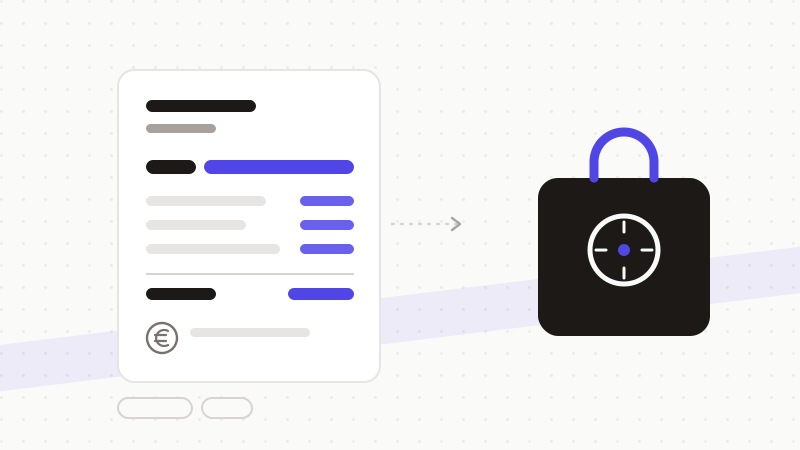
Ce qu'il faut masquer avant tout prompt
- 1Coordonnées bancaires complètes : IBAN, BIC, RIB.
- 2Identité de l'entreprise et des personnes : raison sociale nominative, dirigeants, salariés.
- 3Identifiants : SIREN, SIRET, TVA, identifiant fiscal, numéro de sécurité sociale.
- 4Montants confidentiels lorsqu'ils permettent d'identifier ou de divulguer la situation du client.
Un flux compatible avec le secret professionnel
- 1Détection : le moteur repère RIB, BIC, SIREN, identifiants fiscaux et salaires.
- 2Tokenisation : chaque élément devient un jeton neutre, conservé en mémoire locale.
- 3Envoi : seul le texte anonymisé part vers l'IA — aucune donnée client ne transite.
- 4Restauration : la réponse est détokenisée dans votre navigateur, prête à intégrer au dossier.
ONYRI Sanitize détecte les données financières et d'entreprise — RIB, BIC, SIREN, identifiants fiscaux, salaires — et restaure la réponse côté navigateur. Le cabinet profite de l'IA pour analyser, expliquer ou rédiger, sans jamais exposer les comptes ni l'identité d'un client.
Questions fréquentes
- Un expert-comptable peut-il utiliser ChatGPT pour ses dossiers ?
- Oui, à condition de ne transmettre aucune donnée couverte par le secret professionnel. Anonymisez RIB, identifiants et montants identifiants avant l'envoi : l'IA travaille sur une structure neutre, et vous restaurez la réponse côté navigateur. La responsabilité du livrable reste celle du professionnel.
- Faut-il masquer les montants ?
- Les montants ne sont pas tous sensibles, mais ceux qui révèlent la situation d'un client (chiffre d'affaires, masse salariale, soldes) le sont. Dans le doute, on les tokenise : l'IA garde la cohérence des calculs grâce à des jetons stables, sans connaître les valeurs réelles.
- Un RIB est-il une donnée personnelle ?
- Rattaché à une personne, oui : c'est une donnée personnelle, et sa divulgation est intrusive. Les coordonnées bancaires doivent donc être anonymisées avant tout envoi à un outil tiers, au même titre que l'identité.
Sources et références
Gardez vos données sensibles dans votre navigateur
ONYRI Sanitize détecte et masque vos données sensibles avant l'envoi à l'IA, puis restaure la réponse — du nom à la clé API.