AI meeting notes without exposing confidential data
Having AI summarize a meeting hands it names, figures and decisions. How to anonymize a transcript before ChatGPT, Claude or Gemini without losing meaning.
Having AI summarize a meeting saves real time — but a raw transcript is a concentrate of confidential material: speaker names, clients mentioned, amounts, strategic decisions. Before asking ChatGPT, Claude or Gemini for a summary or a decision log, replace these with tokens. The model returns the structure and the trade-offs; no identity or sensitive figure leaves the browser.
A raw transcript is a concentrate of confidential material
An automatic transcription captures everything, unsorted: who said what, which amounts circulated, which client and project names came up. Pasting it into an assistant to summarize it means handing the whole meeting to a third party — often outside your perimeter.
- Speakers: names, roles, affiliations.
- Third parties mentioned: clients, partners, candidates, competitors.
- Figures: budgets, prices, targets, salaries mentioned.
- Strategy: decisions, deadlines, internal project names.
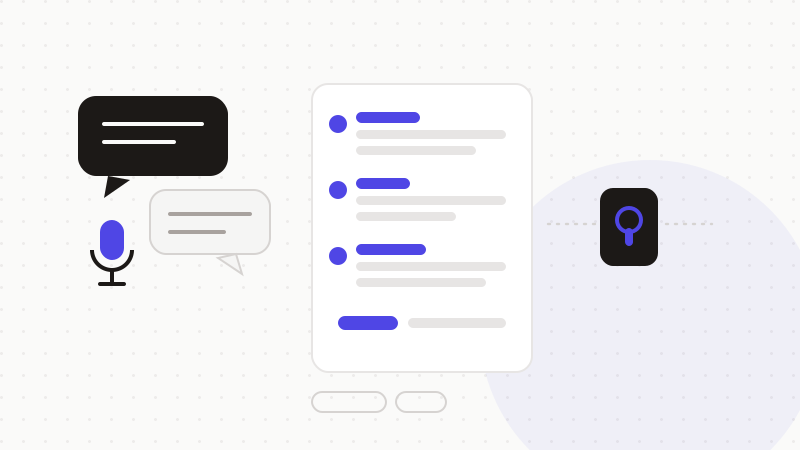
What to anonymize in a transcript
- 1Names and roles of speakers and third parties mentioned.
- 2Names of clients, projects and entities cited.
- 3Amounts, prices and quantified targets.
- 4Contact details and identifiers slipped in verbally (emails, numbers).
A flow that keeps the confidential in-house
- 1Detection: the engine spots speakers, third parties, amounts and strategic markers.
- 2Tokenization: each element becomes a neutral token, kept in local memory.
- 3Sending: only the anonymized transcript goes to the AI — the meeting doesn't transit in the clear.
- 4Restoration: the summary is de-tokenized in your browser, ready to share internally.
ONYRI Sanitize detects a transcript's sensitive elements — names, entities, amounts, decision markers — and restores the answer in your browser. Your teams get usable meeting notes without ever exposing what was said.
Frequently asked questions
- Can I have ChatGPT summarize a meeting?
- Yes, as long as you don't hand it the transcript in the clear. Anonymize the speakers, the third parties mentioned and the figures before sending: AI produces a summary and a decision log, and you restore it all in your browser.
- Are automatic transcription tools safe?
- They capture everything unsorted, then send the content to a third-party service. The risk is in what leaves. The defense is the same: anonymize the transcript before an external model processes it, and keep the mapping local.
- Is the summary still useful once names are masked?
- Yes. Tokens are consistent, so the thread of exchanges and decisions is preserved. After restoration in your browser, you get an accurate, named summary, without identities ever leaving your machine.
Sources & references
Keep your sensitive data in your browser
ONYRI Sanitize detects and masks your sensitive data before it reaches the AI, then restores the answer — from names to API keys.