Make the safe option easier than the shortcut
To stop your teams pasting sensitive data into AI, don't add rules: change the design. The method to make the right move the default.
To get your teams to stop pasting sensitive data into AI, don't add one more rule: make the safe option easier than the shortcut. A behavior needs three things — motivation, ability, prompt (BJ Fogg's model). Motivation fluctuates and doesn't scale; the reliable lever is ability: lower the effort of the right move until it becomes the default path. When anonymizing costs nothing, the shortcut has no reason to exist.
Why rules alone fail
A policy puts all its weight on motivation: “remember to anonymize.” But motivation is exactly what gives out at the wrong moment — under a deadline, at the end of the day, when the shortcut saves five minutes. Asking for more discipline means fighting human nature on every message. That's a fight you lose at the scale of a team.
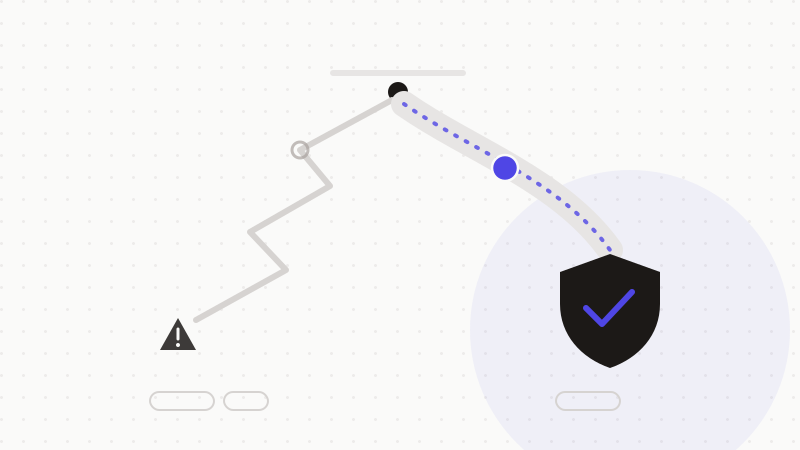
The lever that scales: ease
In the equation behavior = motivation × ability × prompt, acting on ability is what holds. The EAST principle sums it up: to make a behavior stick, first make it Easy. If the right move takes zero effort and the wrong one takes some, the trade-off flips on its own — without banning anything, without watching anyone.
- Lower the activation energy: the right move should be the cheapest, not the most virtuous.
- Remove the decision: what doesn't have to be decided can't be forgotten.
- Keep freedom: you guide with the default, you don't forbid.
Make the safe option the default
People overwhelmingly follow the pre-selected option (default effect) and prefer not to change the state of things (status-quo bias). These two forces, usually suffered, become allies the moment you put them on the right side: if anonymization is the default behavior — automatic, ahead of sending — then doing nothing means being protected. The shortcut disappears because there's no shortcut left to take.
Set up the right default
- 1Tool up instead of lecturing: deploy an engine that anonymizes sensitive data before sending.
- 2Make anonymization the default path, not an optional checkbox.
- 3Choose frictionless protection: automatic detection, browser-side restoration, zero manual steps.
- 4Measure usage, not goodwill: a well-set default shows up in the facts, not in reminders.
ONYRI Sanitize is built to be that default: detection and masking happen upstream, the mapping stays in the browser, and the answer is restored locally. The right move stops depending on each person's vigilance — it becomes the path of least effort.
Frequently asked questions
- How do I stop my teams pasting sensitive data into AI?
- Not with more rules: by making the right move easier than the shortcut. Deploy automatic anonymization ahead of sending, and make it the default. When anonymizing costs no effort, the risky shortcut loses all appeal.
- Isn't an AI usage policy enough?
- It sets the frame but relies on motivation, which fails at the wrong moment. The lever that scales is ability: lowering the effort of the right move. A policy is completed by a tool that makes the safe option automatic.
- Why is the “default” so powerful?
- Because most people follow the pre-selected option and avoid changing the state of things (default effect, status-quo bias). By making anonymization the default, “doing nothing” means being protected.
Sources & references
Keep your sensitive data in your browser
ONYRI Sanitize detects and masks your sensitive data before it reaches the AI, then restores the answer — from names to API keys.